Social wall for companies
Visible engagement at your corporate event
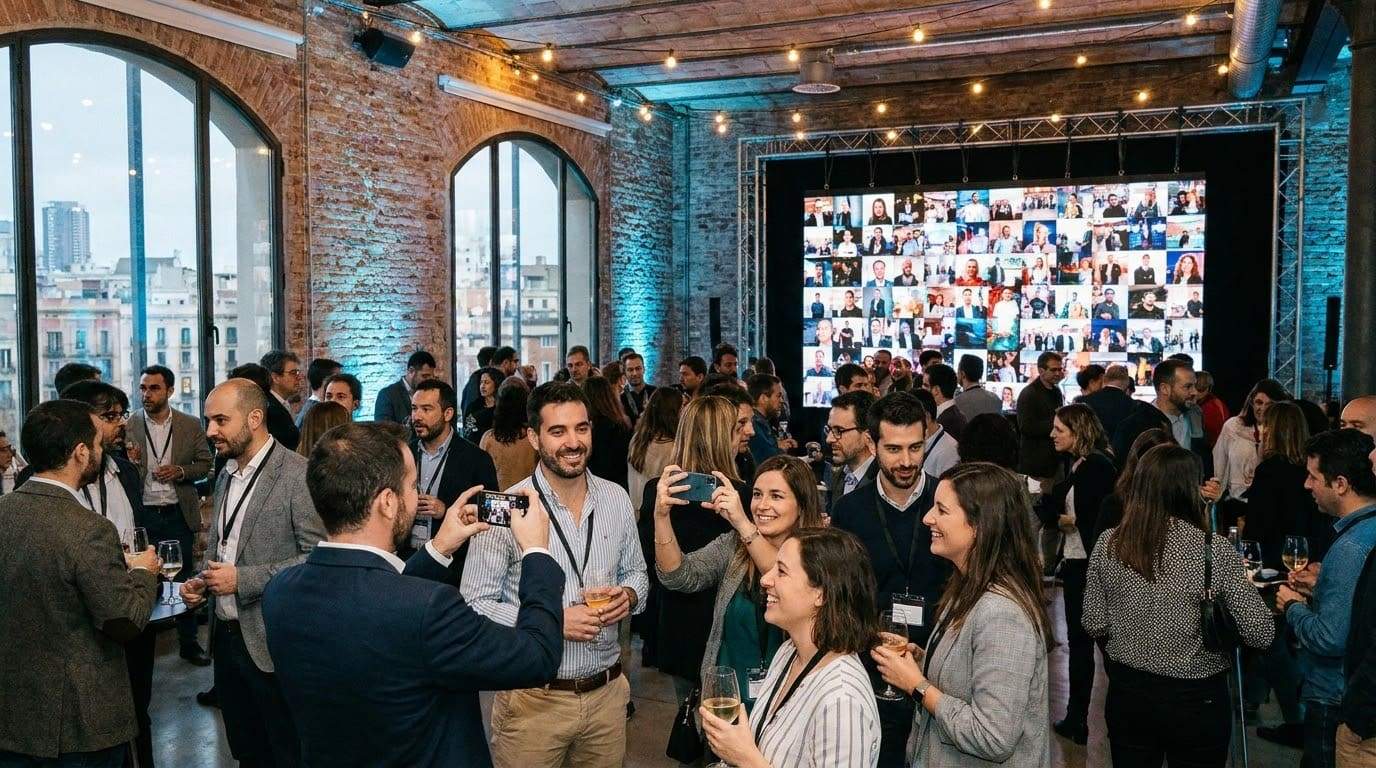
At a company dinner, a convention or a product launch, the wall puts attendees in the spotlight: they share photos and messages from their phones and these appear on the event screens, always moderated. Afterwards, the album is ready-made content for internal communications and social media.
- Moderation of everything that is posted
- Screen style adapted to your brand
- No apps or sign-up for attendees
No apps or sign-up for guests · One-off payment per event
Why it works
Full control
Nothing appears on screen without approval. Several people can moderate from their phones with an operator PIN, without sharing the account.
More buzz, less effort
Attendees join in when they see their photos on the big screen. It breaks the ice between teams who don't know each other.
Content for later
Every approved photo is saved in a downloadable album: real event material for the internal newsletter, the intranet or social media.
Easy for production
It works on any screen or projector with a browser. The tech team just opens a link in full screen.
How it works, step by step
- 1
Prepare the event
Create the event, set the screen colours and style, and download the QR code and PDF cards for tables and the photo backdrop.
- 2
During the event
Attendees scan and post. A designated moderator approves from their phone; the screen updates in real time.
- 3
Afterwards
Download the album and share it with your staff or use it in internal communications.
Ideas that work
- Place the QR code next to the photo backdrop and on the dinner tables, not just at the entrance.
- Ask questions at key moments: "What was your team's highlight of the year?".
- Use the countdown for the start of the gala or the awards ceremony.
- Assign two moderators with a PIN so you keep up during the busiest moments.
- Ask for image consent in the invitation if you plan to use the photos outside the event.
Frequently asked questions
Can we add our branding?
You can adapt the screen colours and style to the event. Professional packs let you use Moby Moments under your studio's or agency's brand.
Who controls what appears?
The people you designate. With moderation on, every post is approved from the dashboard or from a phone with an operator PIN.
Does it work with the hotel or venue screens?
Yes. Any screen, projector or video wall that can display a browser will do: the technician opens the screen link in full screen.
Who sees the event photos?
On screen, only what you approve. The album is shared via a link and can be private; you decide who you share it with.
How do we pay?
A one-off payment per event, no subscription. If you need an invoice with your company details or a pack for several events, get in touch.
Want this at your event?
Create the event in a few minutes, print the QR code and let your guests fill the screen.