Social wall for conferences
A conference that comes alive on screen too
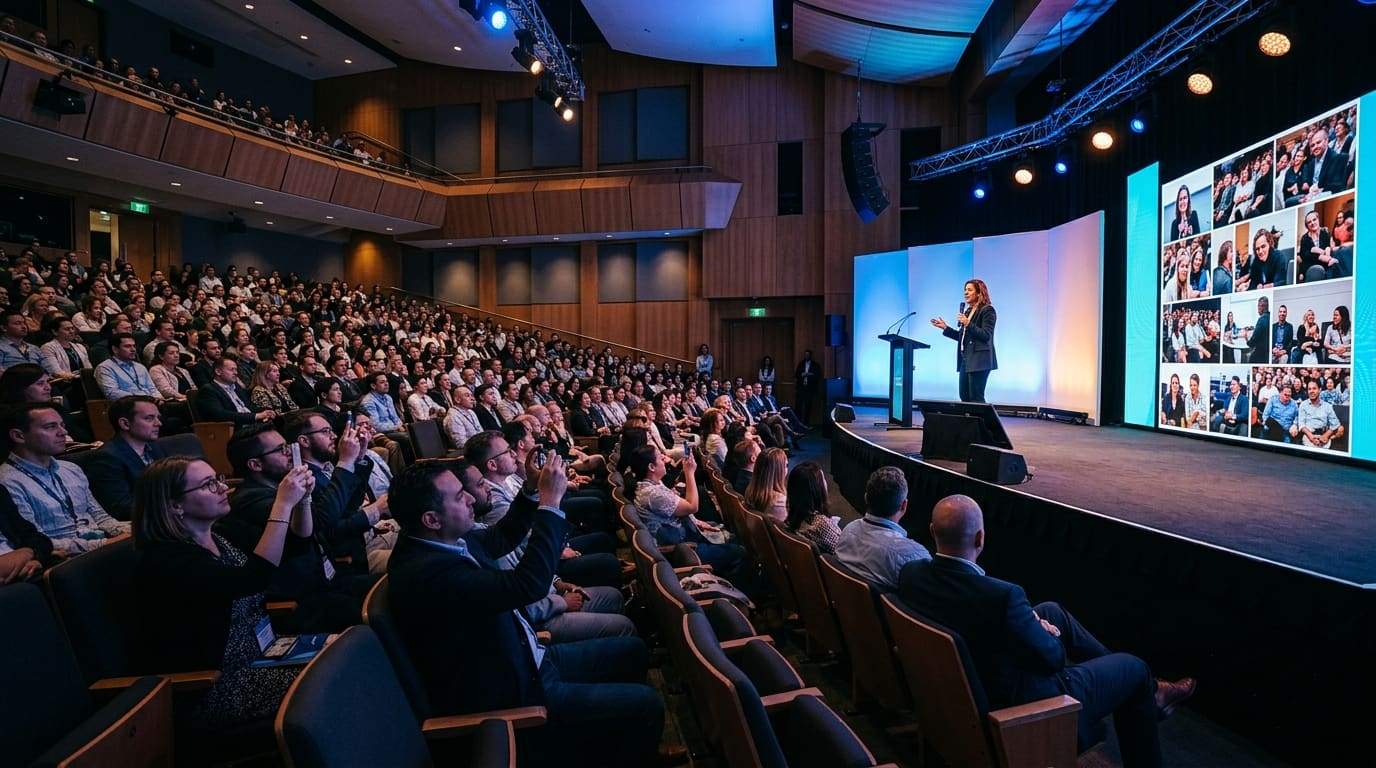
Between talks, at the coffee break or at the closing session, the wall shows what attendees share: photos of the sessions, of the networking and moderated messages. No extra app to download, no new account to create: they scan the QR code and they're in.
- Designed for breaks, networking and the closing session
- Moderation by several people
- Real event photos for your communications
No apps or sign-up for guests · One-off payment per event
Why it works
Frictionless
Nobody wants to install yet another app for a two-day conference. Here, attendees join with their phone camera.
Life in the common areas
The screens in the lobby and the coffee area no longer show just the logo: they show the conference from the inside.
Properly moderated
Everything goes through moderation before it appears. The communications team can approve from their phones while moving around the venue.
The conference album
When it's over, the approved photos make up an album for the event recap, social media and promoting next year's edition.
How it works, step by step
- 1
Before
Create the event, choose the screen style and print the QR code on badges, roll-up banners and coffee-break tables.
- 2
During
Attendees post; the team moderates; the screens in the common areas show the wall live.
- 3
Afterwards
Download the album for the conference recap and share it with attendees and speakers.
Ideas that work
- Show the wall during breaks and the closing session; during talks, attention is better kept on the stage.
- Print the QR code on the badge: it's always at hand.
- Encourage attendees to share "the idea I'm taking away" from each session.
- Split moderation between two or three team members with an operator PIN.
- Let attendees know at registration that photos may be shown on screen and used in the event recap.
Frequently asked questions
Is it an event app with an agenda or networking?
No. Moby Moments is a live photo and message wall with moderation and an album. It complements whatever agenda or registration tool you already use.
Can hundreds of attendees take part at once?
Yes. Each attendee posts from their phone's browser and the screen updates in real time; with lots of posts, it's best to split moderation.
Can we use several screens?
Yes. The screen link can be opened on as many screens or projectors as you need.
What if the venue Wi-Fi is overloaded?
Attendees can post using their mobile data. The screens need a stable connection; if it drops, they reconnect by themselves.
How do we pay?
A one-off payment per event, no subscription. For recurring conferences or agencies there are multi-event packs.
Want this at your event?
Create the event in a few minutes, print the QR code and let your guests fill the screen.