Guides
14 Ideas to Get Guests Sharing Photos at Your Party
Practical ways to get guests posting photos and messages at birthdays, quinceañeras and anniversaries: QR placement, MC lines, challenges and table prompts.
5 min read
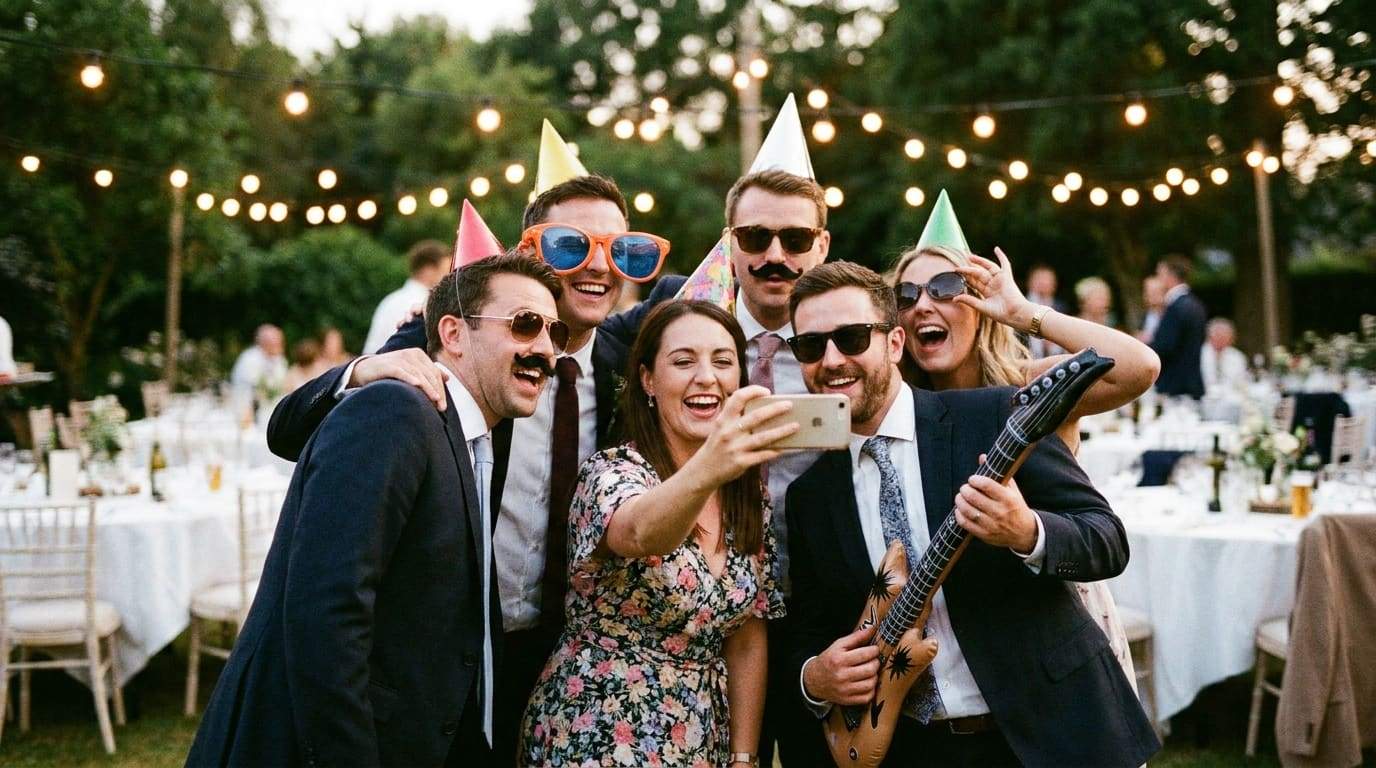
Guests share photos when three things are true: they know where to send them, it takes seconds, and they can see their photo appear somewhere straight away. A QR code on every table, a quick announcement and a screen everyone can see will do most of the work. The ideas below cover the rest, from playful challenges to small details that make the difference between a handful of posts and a screen that never stops.
Make it easy to start
1. Put a QR code on every table
Not just one at the door. A small card next to the table number means every guest has a code within arm's reach for the whole evening. This is the single biggest factor in how many people join.
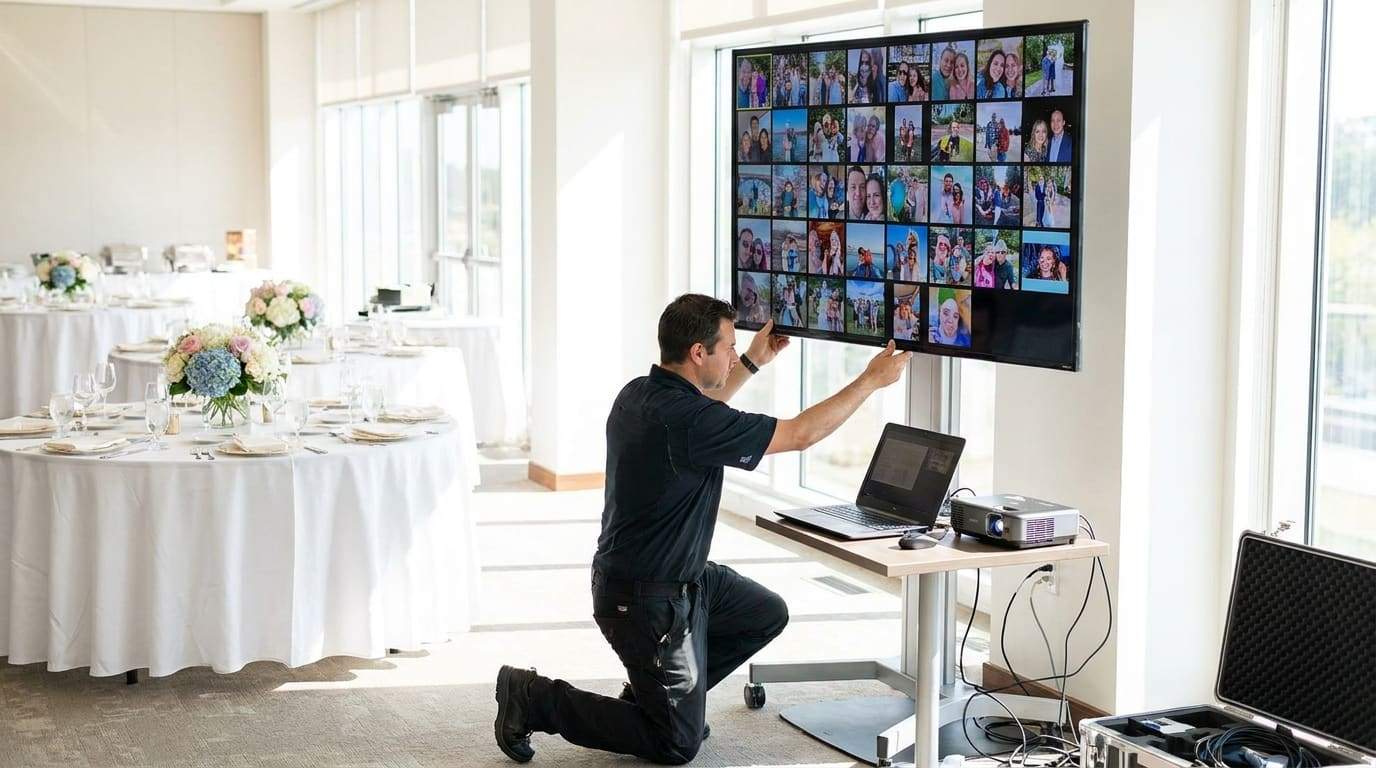
2. Show the QR on the screen itself
When someone sees a photo go up and thinks "I want to do that", the code should be right there. Keep it visible in a corner of the wall layout.
3. Remove every bit of friction
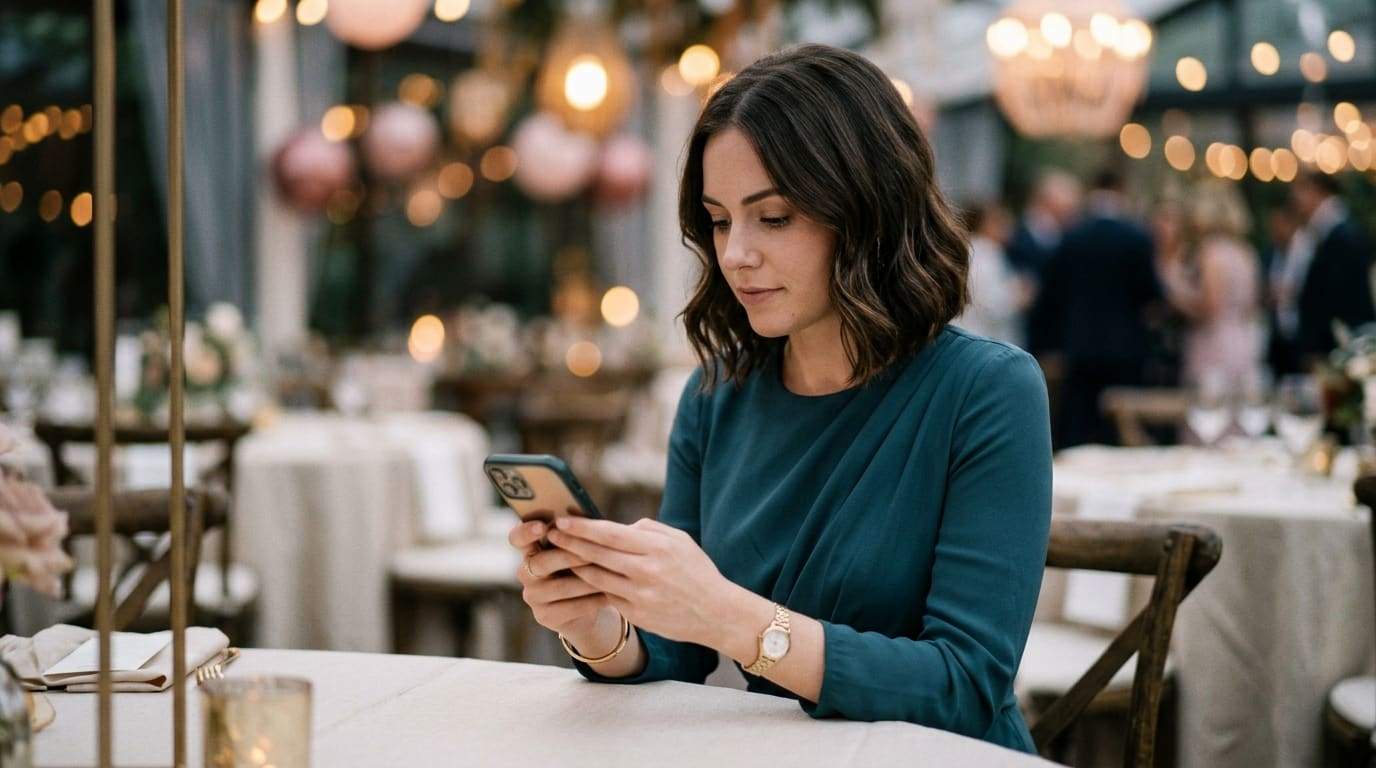
Guests shouldn't need an app, an account or a password. With a wall like Moby Moments, they scan with the phone camera and post from a web page, so say so out loud: "No app, just scan." People who hesitate usually assume it's complicated.
4. Post the first few yourself
An empty screen feels like nobody's taking part. Ask two or three friends to send a photo and a message as soon as doors open. Once the first posts are up, others follow.
Tell people about it
5. Give the MC or DJ one clear line
A single, specific announcement beats a vague one. Something like: "There's a QR code on your table. Scan it, send a photo or a message for Sofia, and watch it pop up on the big screen." Do it once at the start of dinner and once when the dancing starts.
6. Mention it in the invitation (lightly)
A short line in the invite or the RSVP message, such as "Bring your phone camera, there'll be a live photo wall", builds a little anticipation. Don't rely on it alone, though; people forget.
7. Put a sign at the bar
Queues are idle time. A small framed sign with the QR and a one-line prompt turns waiting into posting.
Give them something to post
Blank prompts get blank stares. Specific ones get photos.
8. Table prompts
Print a different prompt on each table card:
- "Selfie with the person you've known longest at this table"
- "Recreate a photo from your first holiday together"
- "Your best impression of the birthday girl"
- "A toast, one photo, everyone in it"
9. Timed challenges
Every hour, the MC announces a new mini-challenge: best dance move, most creative group photo, best photo with the cake. Pick a winner from the wall and hand over a small prize. It gives people a reason to keep posting all night, not just at the start.
10. A countdown moment
Use a countdown on the screen before the cake, the entrance of the birthday person or midnight. Ask everyone to have their phone ready and send a photo of the moment the countdown hits zero. You get the same moment from thirty angles.
11. Messages, not just photos
Some guests are shy about photos but happy to write. Invite them to send a short message, a memory or a wish. For an older crowd especially, the messages often end up being the part people remember.
Ideas for specific celebrations
12. Quinceañeras and 15th birthdays
Ask friends and family to send a message for the quinceañera before the waltz, then show those messages on screen just after. Grandparents and relatives who travelled can be invited to post a wish and a family photo. Keep moderation on: teenagers are funny, and not every joke belongs on the big screen with the whole family watching.
13. Anniversaries
Ask guests to send an old photo of the couple they have on their phone, or a photo of a scanned print, plus a line about where it was taken. A "then and now" theme works brilliantly for silver and golden anniversaries. Relatives who couldn't attend can still send a message if you share the link with them.
14. Milestone birthdays
For a 40th, 50th or 60th, ask for a photo "from the decade we met". The wall turns into a timeline of the guest of honour's life, told by the people in the room.
What kills participation
Most quiet photo walls fail for the same few reasons:
- The screen is out of sight. If guests can't see their posts appear, they don't post a second time. Put it where both the tables and the dancefloor can see it.
- The QR code is hard to find. One code by the entrance is not enough.
- Nobody mentions it. Guests assume it's decoration.
- Long delays with moderation on. If your moderator checks their phone once an hour, people think their photo didn't work. Approve in batches every few minutes, or share the job between two people.
- Posts stuck on screen for ages. In a long slideshow, new photos take a while to come round. A mode that puts new posts in the spotlight keeps it lively.
- Weak signal. If the venue wifi is poor, tell people they can just use mobile data.
A simple plan for the night
- Before doors open: screen on, QR cards on tables, three friends ready to post first.
- Start of dinner: MC announcement with the table prompt.
- Between courses: first challenge.
- Before the cake or big moment: countdown and "everyone send a photo".
- Dancing: second announcement, keep challenges going.
- Next day: share the album link with guests, if you want them to have it.
Frequently asked questions
How many guests usually take part?
It varies a lot with the crowd, the placement of the screen and whether anyone announces it. A visible screen, a QR on every table and an MC mention make the biggest difference.
Do older guests manage to post?
Usually, yes, as long as there's no app or account. Most phones open the page straight from the camera. A younger relative at each table helping out works wonders.
Can I stop inappropriate photos appearing?
Yes. With moderation on, nothing reaches the screen until it's approved, either from the dashboard or from a phone using the remote control.
Try it before the party
Moby Moments is built for exactly this kind of evening. See how it works for birthdays and parties, or post a test photo in the free demo, which runs entirely in your browser. For setting up the screen, read our guide to choosing a screen, projector or TV.