Guides
Screen, Projector or TV for an Event Photo Wall? A Setup Guide
How to choose between a TV, projector or LED wall for a live photo wall, with rough brightness and size guidance, connection tips and a pre-event test list.
5 min read
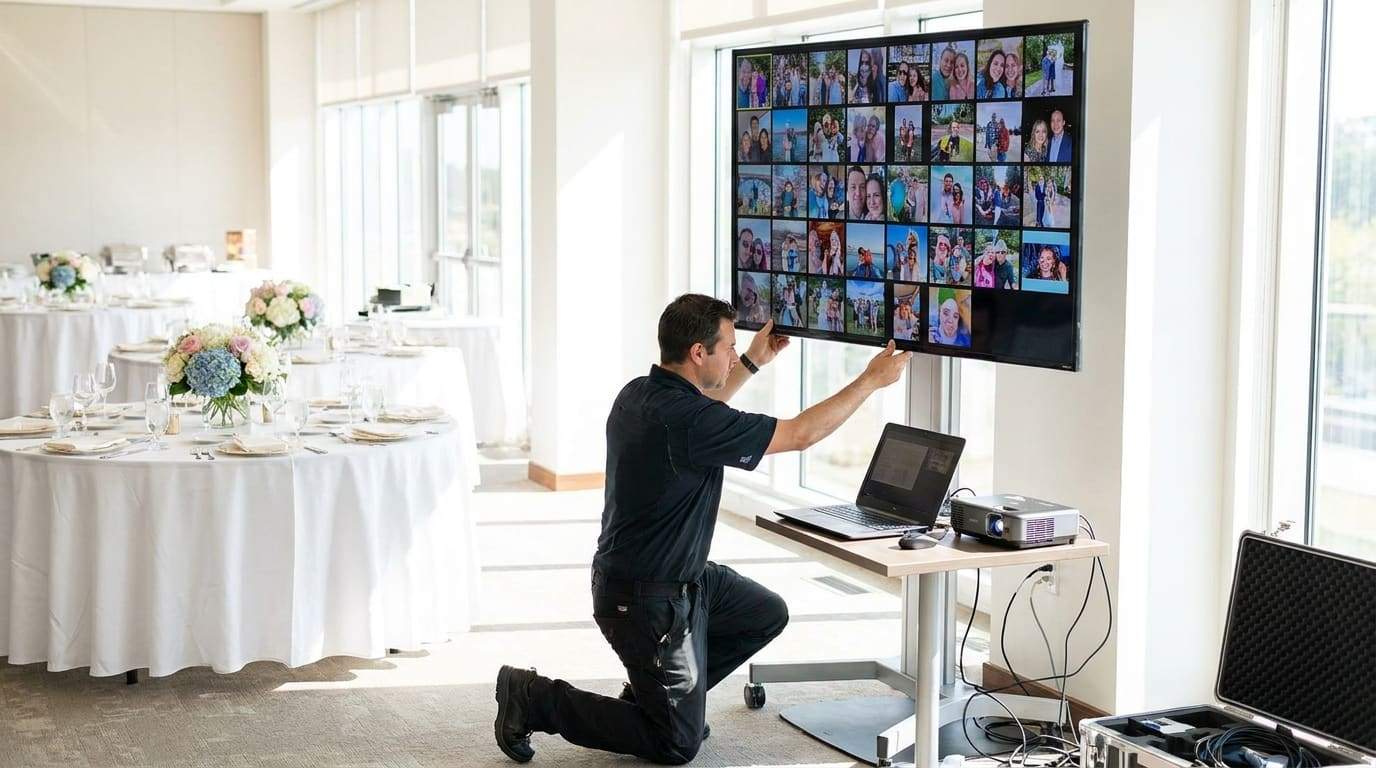
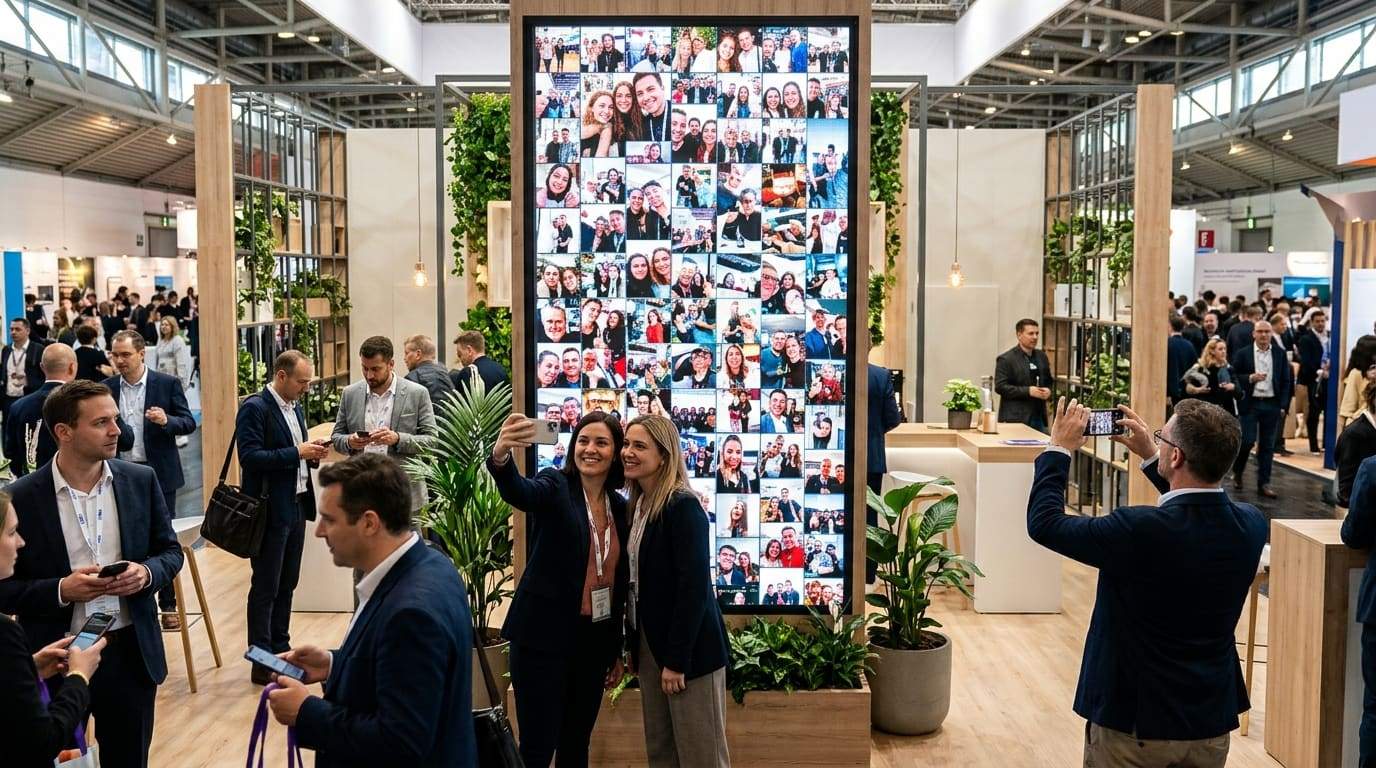
For most events, a large TV is the simplest and most reliable choice for a live photo wall: it's bright, sharp and works in daylight. A projector gives you a much bigger image for less money but needs a darker room. An LED video wall looks spectacular and copes with any light, but it's usually something the venue or an AV company provides. Whatever you choose, the screen only needs to show a web browser, so the real work is in brightness, placement and a stable connection.
TV, projector or LED wall: a quick comparison
| Large TV (55–85") | Projector | LED video wall | |
|---|---|---|---|
| Best for | Daylight, small to medium rooms, receptions | Evening events, large rooms, dark venues | Big venues, outdoor or very bright spaces |
| Brightness | High; fine in normal daylight | Depends heavily on lumens and room darkness | Very high |
| Image size | Limited by the TV | Very large on a wall or screen | Modular, can be huge |
| Setup effort | Low | Medium (throw distance, focus, surface) | High; usually done by a technician |
| Typical source | Venue, hire company or your own | Venue or hire company | Venue or AV company |
| Main risk | Too small for the room | Washed out by daylight | Cost and booking in advance |
Brightness: how much do you need?
This is where projectors catch people out: one that looks great at home can be almost invisible in a marquee on a summer evening.
As rough guidance only (rooms, screens and projectors vary a lot):
- Dark room, evening event, curtains drawn: a projector of around 3,000 lumens is often enough for a medium-sized image.
- Dimmed room with some ambient light: you'll generally want something in the region of 4,000–5,000 lumens or more.
- Daylight, glass walls, outdoor shade: projectors struggle. A TV or LED wall is usually the better option.
TVs and LED walls are much less affected by ambient light. For projectors, a proper screen gives a brighter, sharper image than a painted wall.
Screen size and viewing distance
People need to be able to see faces and read short messages from where they're sitting. A very rough rule of thumb: the further away the furthest table is, the bigger the image needs to be.
- Small room, guests within 4–5 metres: a 55–65" TV is usually fine.
- Medium room, guests up to 8–10 metres away: look at 75–85" TVs, or a projector.
- Large hall or ballroom: a projector on a large screen, an LED wall, or several screens.
If the room is long or L-shaped, two smaller screens in different spots often work better than one huge one. The same screen link can be opened on several screens at once.
Where to place it
- Somewhere visible from both the dinner tables and the dancefloor.
- Away from direct sunlight and bright windows behind or opposite the screen.
- High enough to be seen over standing guests.
- Near a power socket, with cables taped down or covered.
Connecting it: laptop, mini-PC or smart TV
The wall runs in a web browser, so you have a few options:
- Laptop + HDMI cable. The most common and most flexible. Bring a long HDMI cable and, if your laptop needs one, the right adapter (USB-C to HDMI is the usual culprit).
- Mini-PC. Tucked behind the TV, tidy and always connected.
- Smart TV browser. No extra device, but built-in browsers vary. Test it first.
- Venue AV system. If the venue has a projector or video wall, ask which input they use and whether you can plug a laptop in, or whether their own computer can open a link.
Once connected, open the screen link in the browser and switch to full screen. On most browsers, F11 (Windows) or Ctrl+Cmd+F (Mac) does it. Some browsers also have a kiosk mode, which hides everything except the page.
Stop the screen going to sleep
This is the most common thing that goes wrong. Before the event:
- Turn off sleep and screensaver in the laptop's power settings, and set it to stay on while plugged in.
- Disable notifications. Use Do Not Disturb or Focus mode so chat messages and calendar pop-ups don't appear over the wall.
- Pause automatic updates so the machine doesn't decide to restart mid-party.
- Keep it plugged in. Batteries run out, and some laptops dim the screen on battery.
- Check the TV's own settings. Some TVs have eco or auto-off modes that switch off after a period without remote input.
Internet: give the screen its own connection
Guests can post using their own mobile data, so a weak venue wifi doesn't stop them. The screen, though, needs a stable connection to keep receiving new posts.
In order of preference:
- A wired Ethernet cable to the venue router, if one is available.
- A dedicated wifi network that isn't the one all the guests are on.
- A 4G/5G mobile router or phone hotspot as a backup, placed near a window if the signal is weak inside.
If the connection drops for a moment, the Moby Moments screen reconnects by itself, but a stable connection avoids gaps in the first place.
Test the day before
Do a run-through at the venue, ideally at the same time of day as the event:
- Screen, cable and adapter all connect
- Screen link opens and goes full screen
- Image is bright enough with the room's real lighting
- Faces and text are readable from the furthest table
- Sleep, screensaver, notifications and updates disabled
- Connection tested, backup ready
- A test photo sent from a phone appears on screen
- Someone knows how to switch it on, off and back again
Frequently asked questions
Can I use a smart TV without a laptop?
Often, yes, if the TV has a decent built-in browser. Open the screen link and set it to full screen. Test it well before the event, as some TV browsers are slow or don't handle full screen well.
Can I show the wall on several screens?
Yes. The screen link can be opened on more than one screen, which is handy for long rooms or separate spaces like a dining room and a bar.
Is a projector good enough for a daytime event?
It depends on the projector's brightness and how much light the room gets. For daylight or bright rooms, a TV or LED wall is usually more reliable.
See it on your own screen
Want to check how the wall looks on your TV or projector? Open the free demo on it and send a test photo; nothing is uploaded. For the rest of the planning, see how Moby Moments works at weddings or read our step-by-step wedding photo wall guide.